Visual Programming for Robotics – Designing Simplicity into Complexity
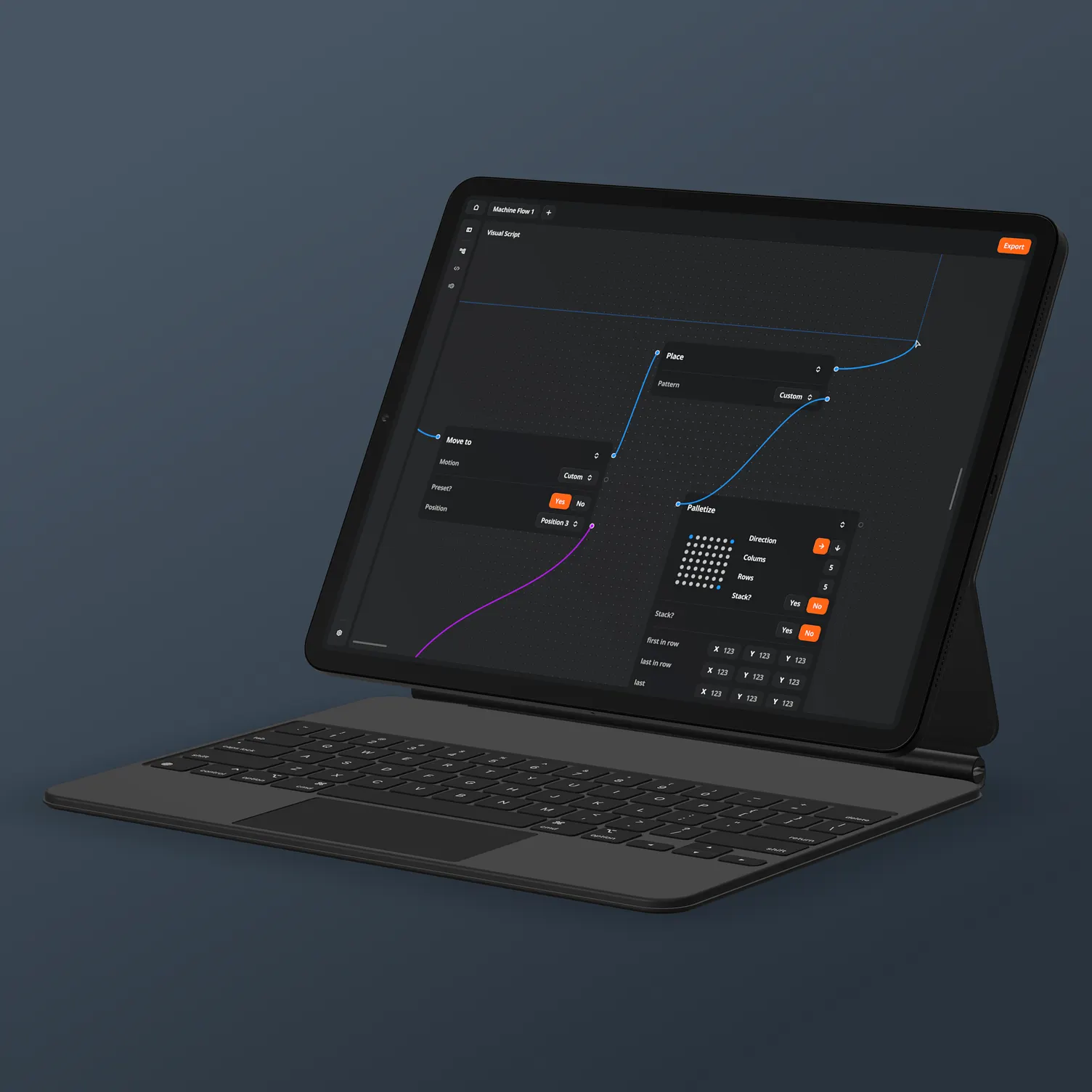
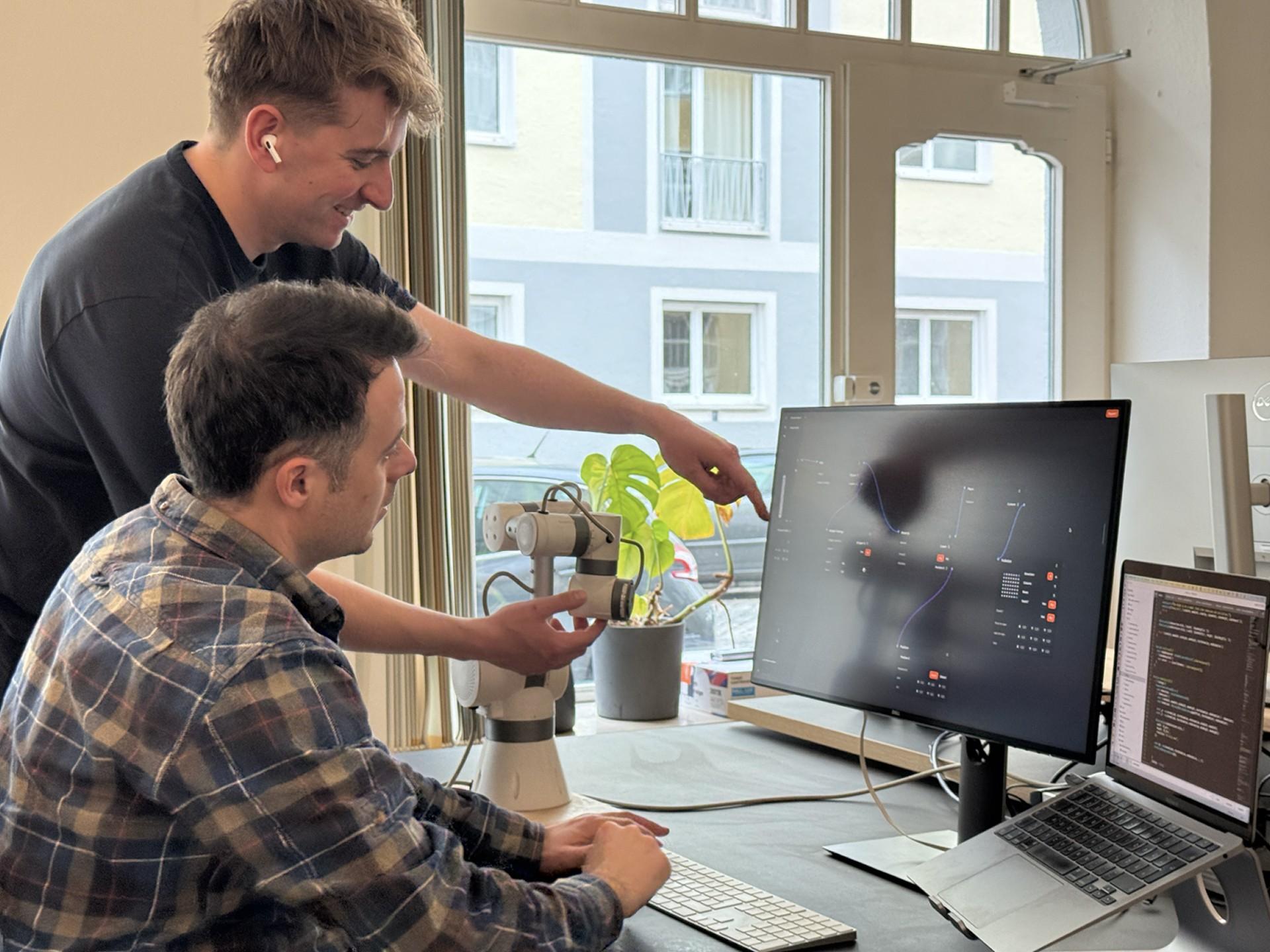
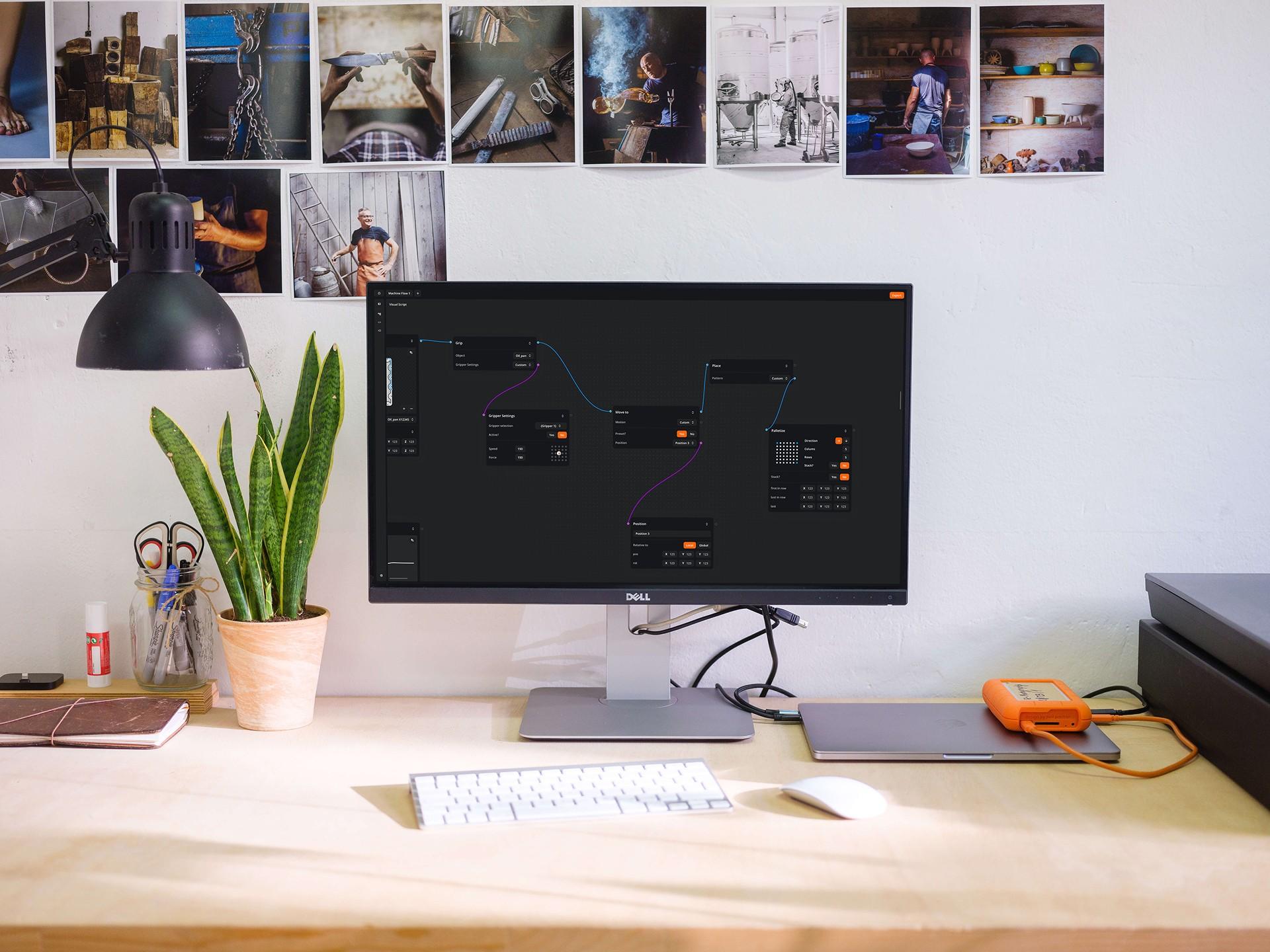
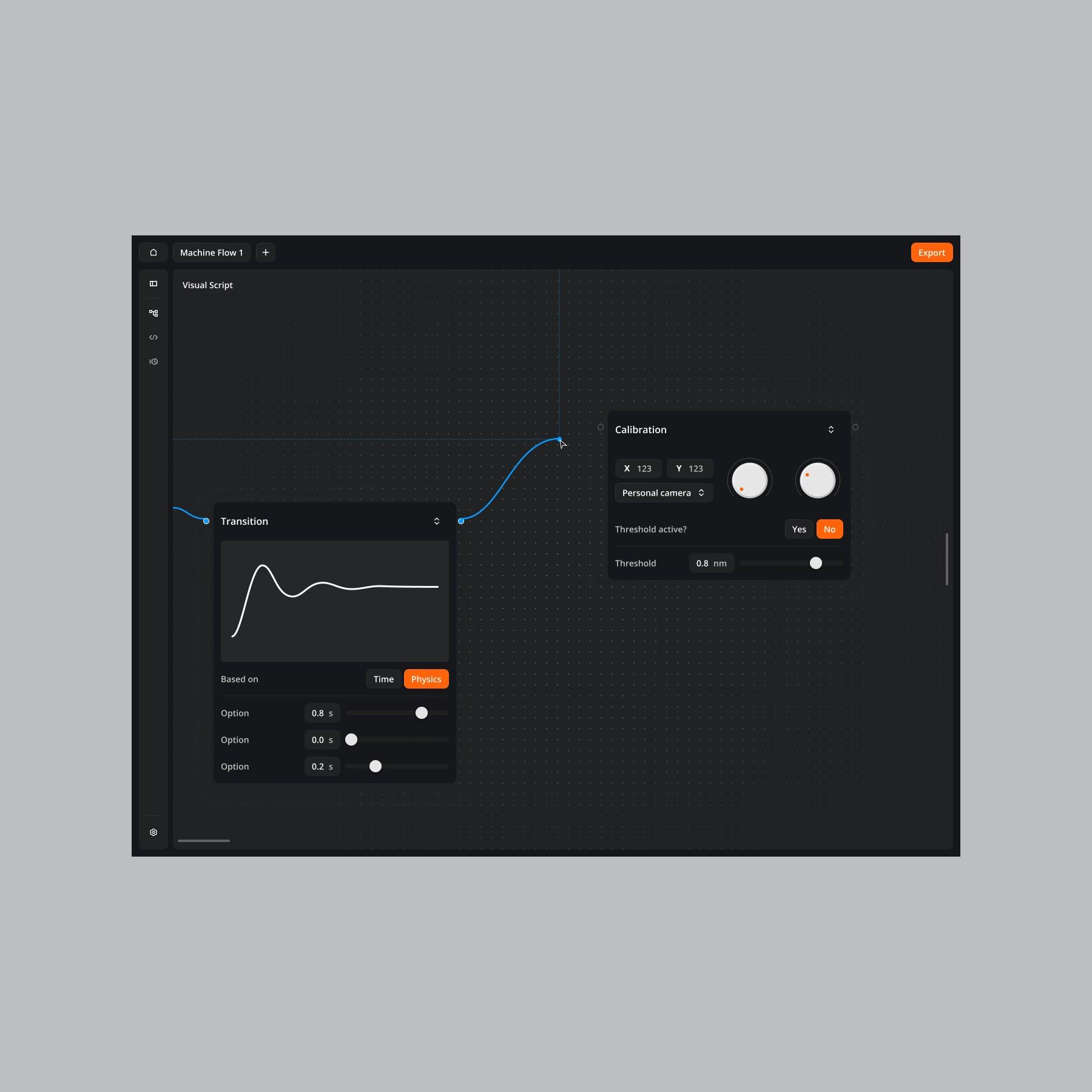
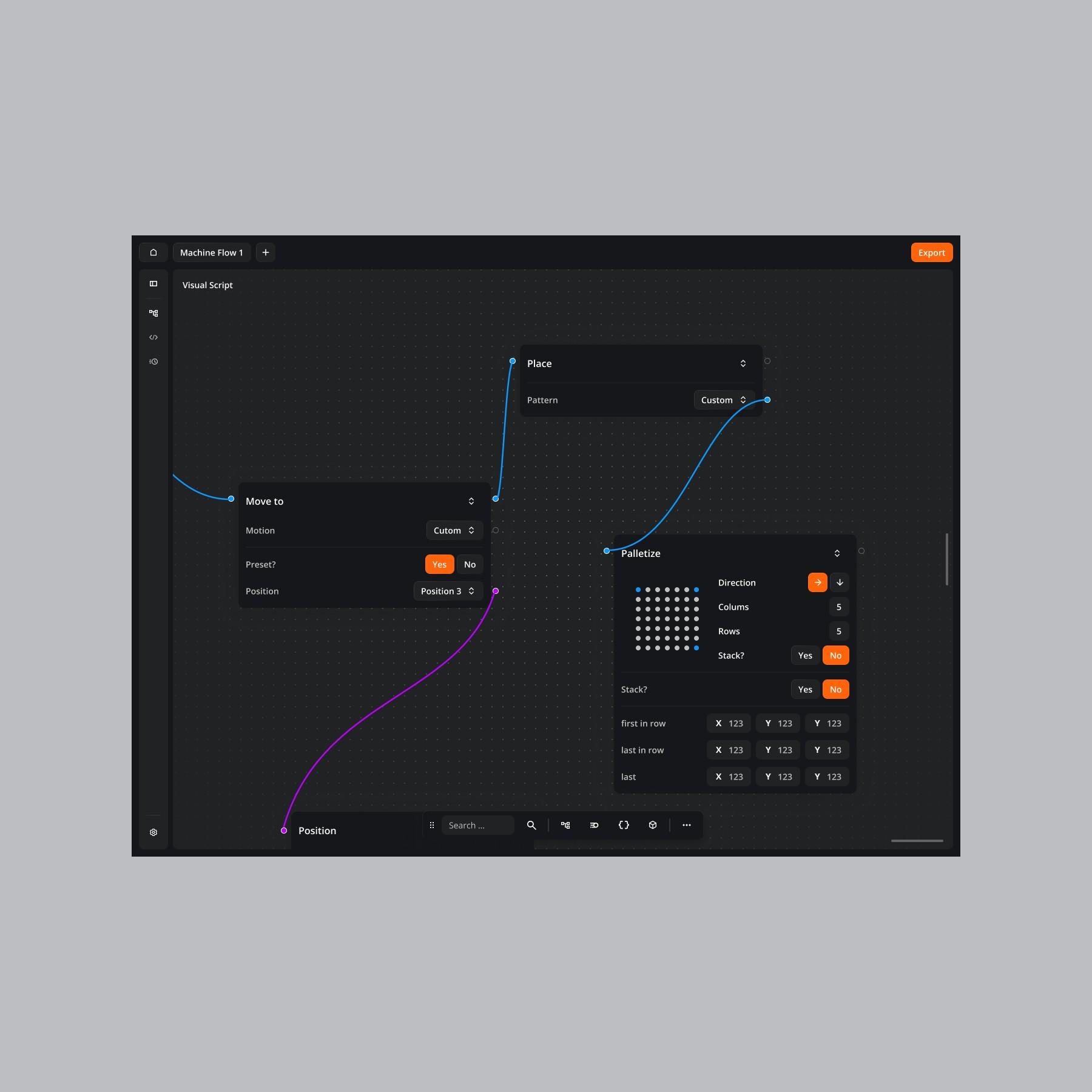
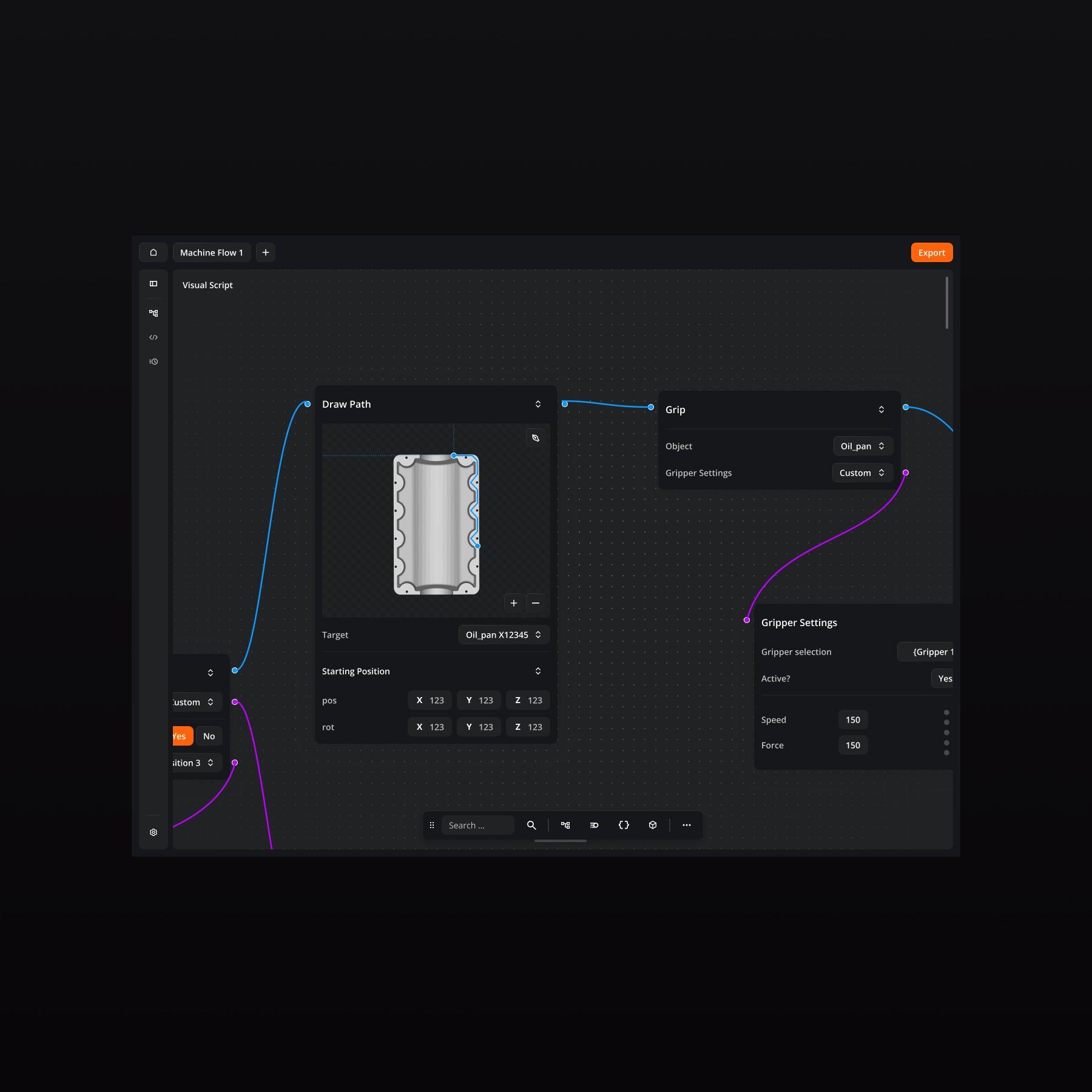
At Interaktionswerk, I explored how visual interfaces could simplify industrial robotics. Together with Fabian Gronbach, I designed a programming concept that turns code-heavy workflows into an intuitive drag-and-drop editor—making automation more accessible for teams without advanced coding skills.
- Client
- Deliverables
- Duration
- Role
The Challenge
Programming industrial robots is powerful—but it’s also slow, complex, and intimidating. We wanted to rethink the entire experience: Could a visual canvas reduce complexity without compromising control?
Process & Concept
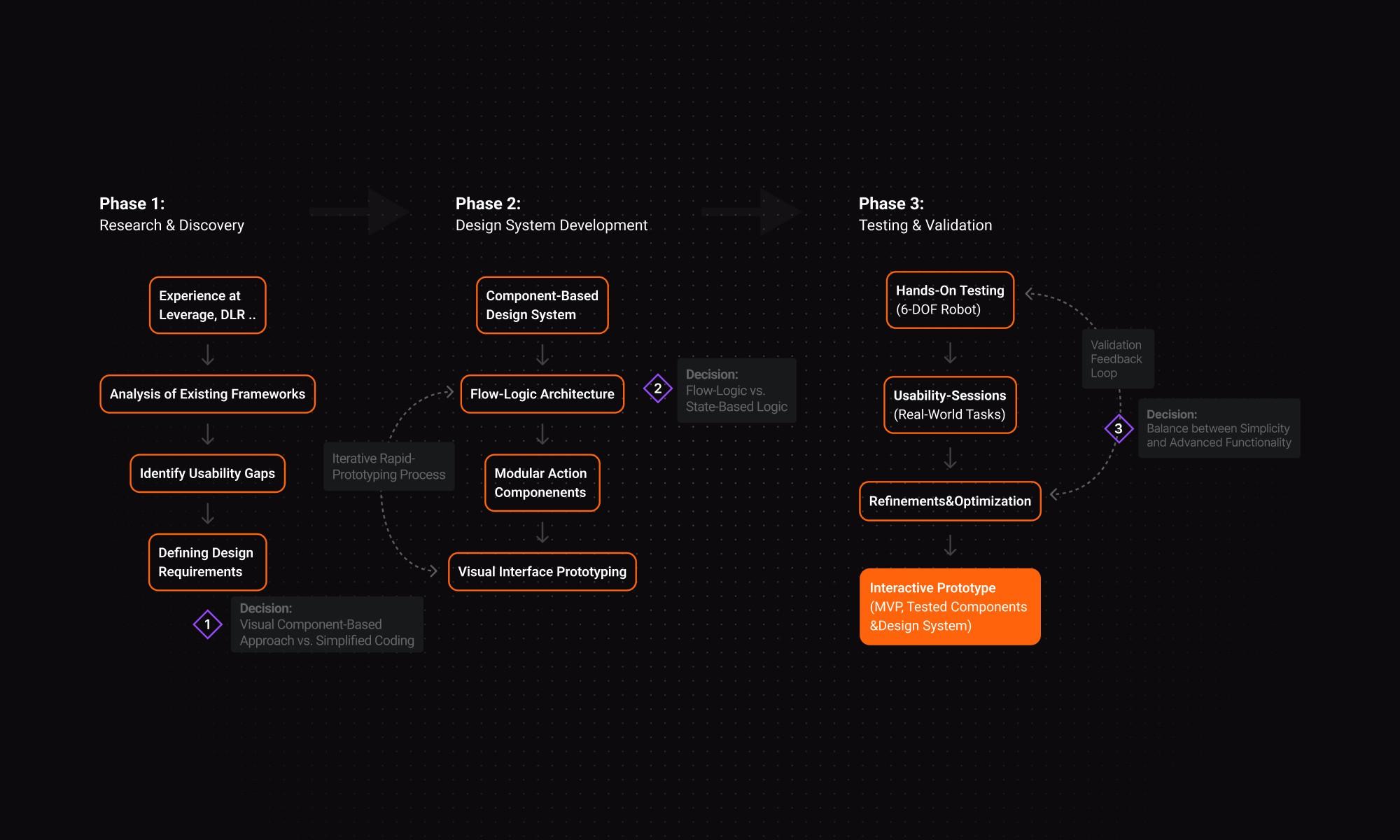
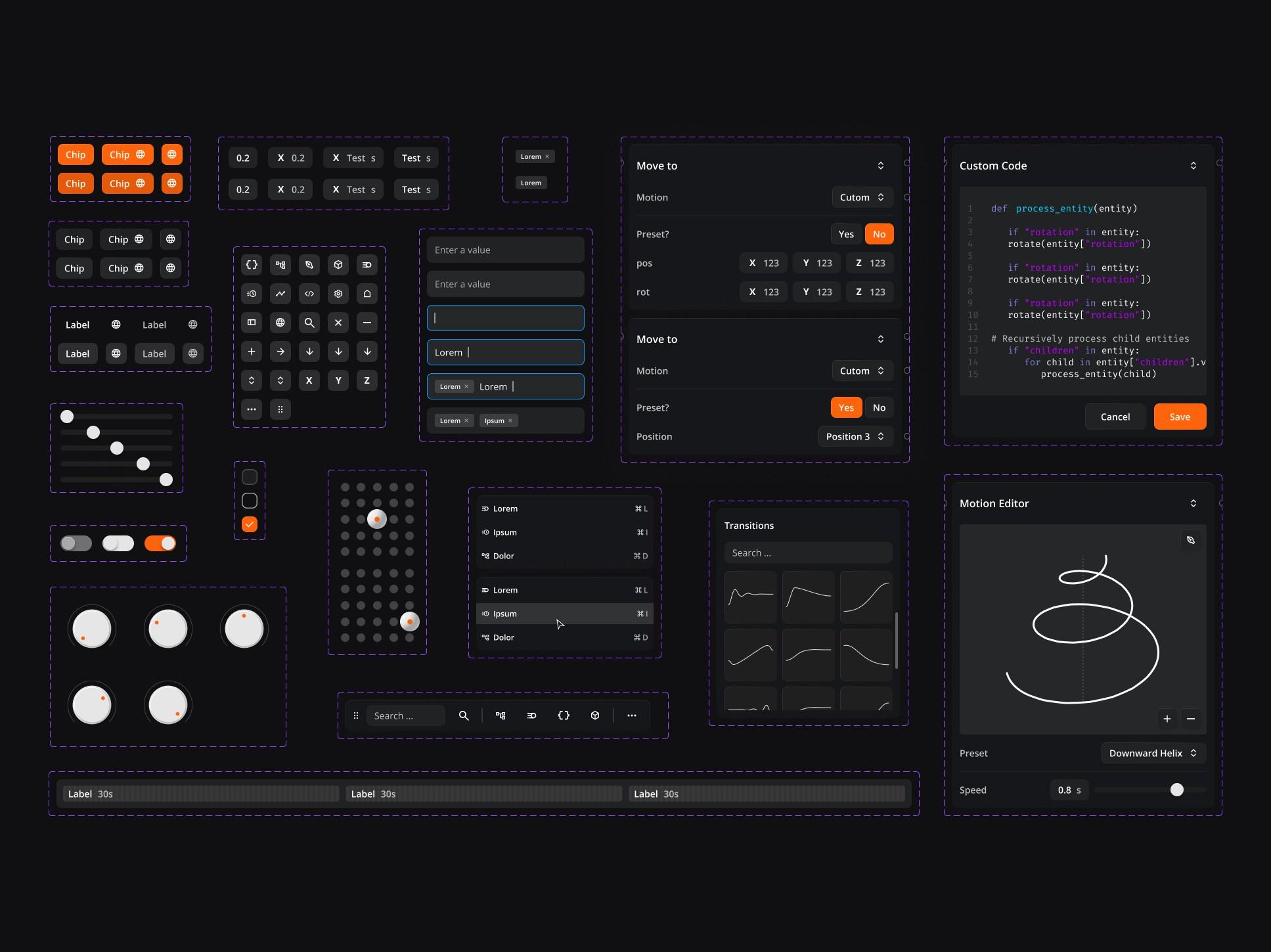
We began by reverse-engineering tools like ROS and Intrinsic, uncovering rigid flows and steep learning curves. Inspired by video editing tools, I prototyped a visual block system—each action (like “move,” “wait,” or “grab”) became a modular component, connected in a horizontal flow. This model mirrors how users think—sequentially, not abstractly.
Testing & Insights
To validate the concept, I built a working prototype and ran tests on a 6-DOF robot. We observed how both engineers and non-experts built workflows, identified friction points, and refined UI feedback and error visibility. One key takeaway: real-time validation during task assembly—not just on execution—is critical to user trust.
Results & Takeaways
The prototype showed clear advantages for repetitive or modular tasks. It made robotics feel more approachable without sacrificing clarity. That said, it also revealed boundaries—timing-sensitive adjustments remain a challenge in visual formats. Still, this case proved how good design can unlock complex technology for a broader audience.